Installing Benchmrk for iOS
Benchmrk is available as a free download from the Apple App Store.
Requirements
| Requirement | Detail |
|---|---|
| Operating system | iOS 18.0 or later |
| Devices | iPhone and iPad |
| Storage | Approximately 150 MB |
| Internet | Required for mark data retrieval |
Benchmrk runs on both iPhone and iPad. The iPad version takes advantage of the larger screen for map viewing and mark details.
Download from the App Store
- Open the App Store on your iPhone or iPad.
- Tap the Search tab and type Benchmrk.
- Locate the Benchmrk app by Geolocarta Technologies.
- Tap Get to download and install.
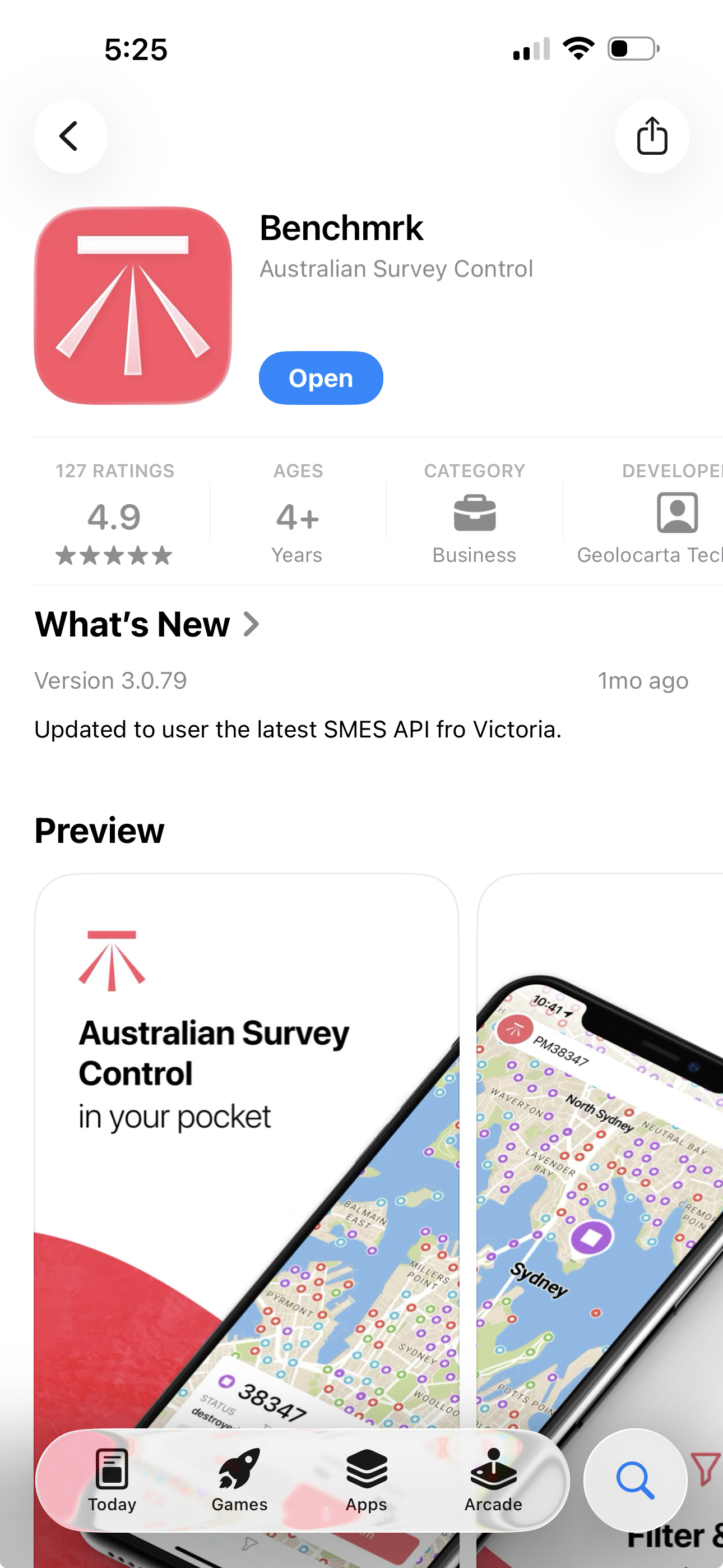
Alternatively, search for "Benchmrk survey" if multiple results appear.
Permissions
After launching Benchmrk for the first time, the app will request the following permissions:
Location Services
Benchmrk requires access to your device location to show your position on the map, calculate distances to marks, and provide turn-by-turn navigation.
- Select While Using the App when prompted.
- You can change this later in Settings → Privacy & Security → Location Services → Benchmrk.
If you deny location access, the map will still display marks but cannot show your position or provide navigation directions.
Camera (for AR)
The augmented reality feature requires camera access to display geo-anchored mark overlays through your device camera.
- This permission is requested when you first open the AR view.
- Camera access is optional — all other features work without it.
Notifications
Benchmrk uses push notifications for in-app support messaging. You will be prompted to allow notifications when you first interact with the support feature.
After installation
Once installed, open Benchmrk and proceed to Account setup to create your account.